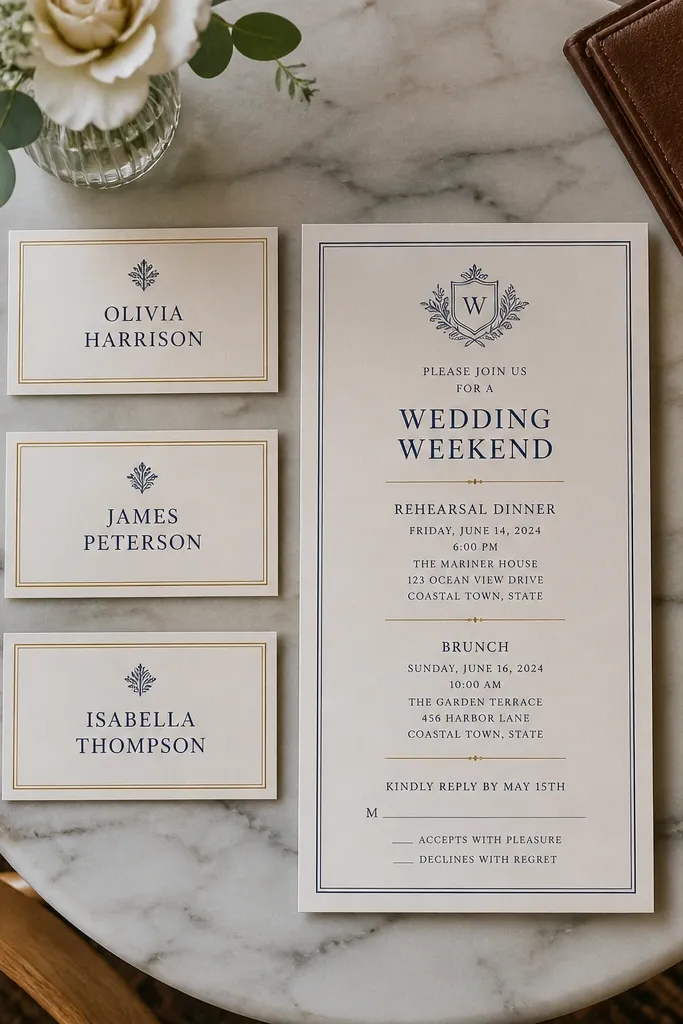
1. Day-of-week + full date mismatch
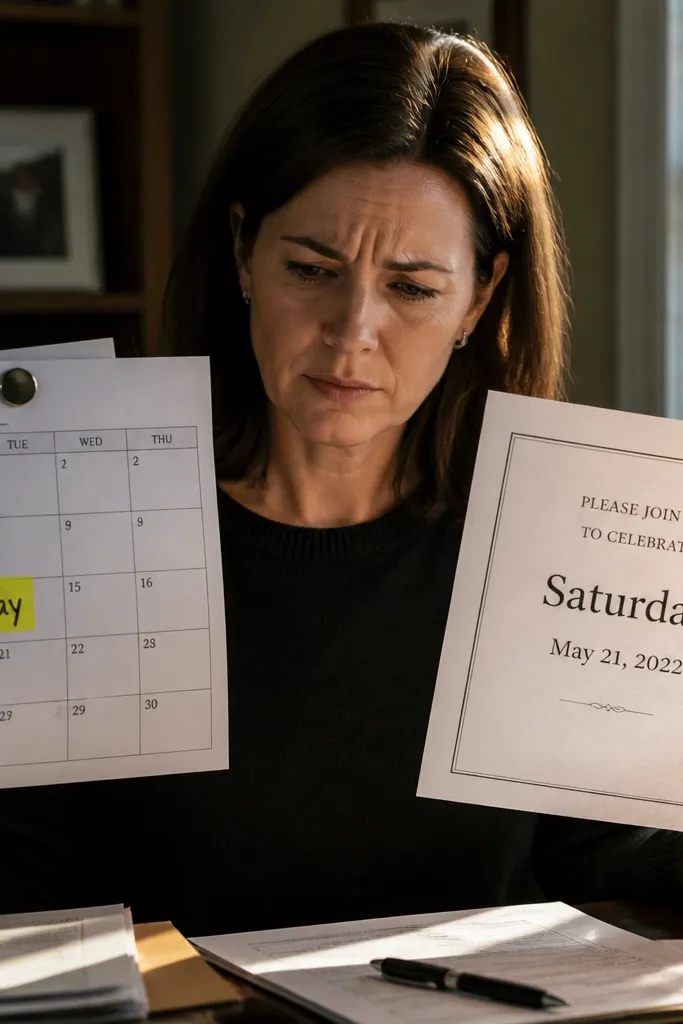
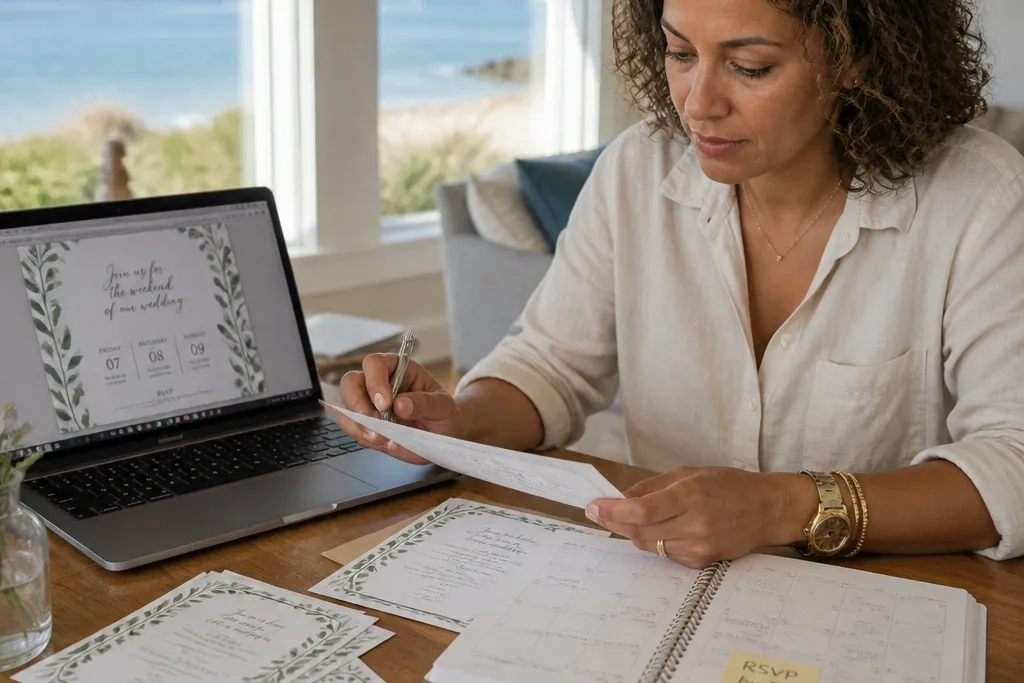
A lot of couples type the day of week from memory, then paste the date from a calendar event. The invitation ends up saying Saturday but the date is Sunday (or the month flips when you edit for a venue change). For a weekend wedding, that mismatch is deadly because guests build their travel plans around the day name, not the number. Fix this by using the day of week and full date together, and double-check them against your venue contract and your ceremony booking, not your phone reminders.
Start by writing the line as “Saturday, [Month] [Day], [Year]” and keep it in one place on the main invitation. Then compare it to the ceremony contract date and the reception location booking date — those are the sources that matter. Finally, if you’re printing a details card, repeat the same day-of-week and date there in smaller type so guests who only skim the insert still get it right.
Quick tipBefore you print, run a quick “copy and paste audit” — highlight the date across all cards and make sure every instance matches.
Skip thisSkip wording that lists only the date number (like “June 15”) without the day of week when your wedding is a destination-style weekend.
2. Time stated as "around" or "following"
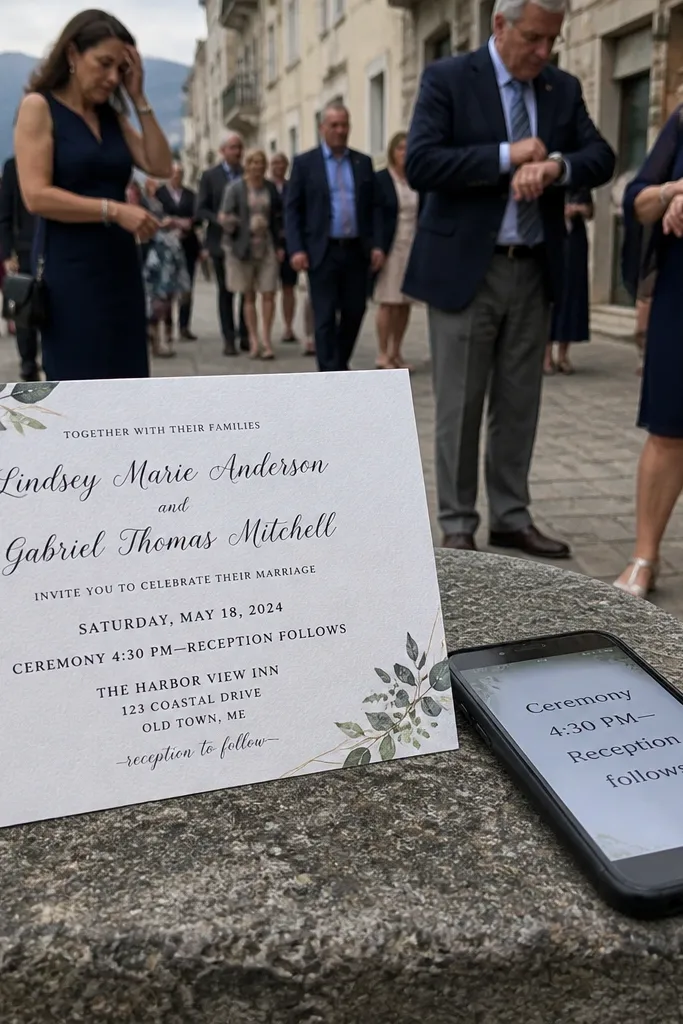
“Around 4:30” feels friendly, but it creates a planning gap for guests who are traveling. The same goes for “following the ceremony,” because some people interpret that as immediately, others interpret it as 60-90 minutes later. For weekend schedules, clarity is kinder than flexibility. Use exact start times for ceremony and reception, then put the estimated transition time in the details insert if you really need wiggle room.
Start by choosing exact times for ceremony start and reception start (example: “Ceremony begins at 4:30 PM” and “Reception begins at 6:15 PM”). Then add a short transition note in the details card like “Cocktail hour follows the ceremony” and include an end time if you can. Finally, keep those times consistent across every card, including any RSVP confirmation emails you plan to send.
If you’re worried about weather or venue delays, write exact times anyway and add “Doors open at...” instead of “around...”.
Avoid “around,” “approximately,” and “following” as the only time anchors on the main invite.
3. RSVP deadline that's after the weekend
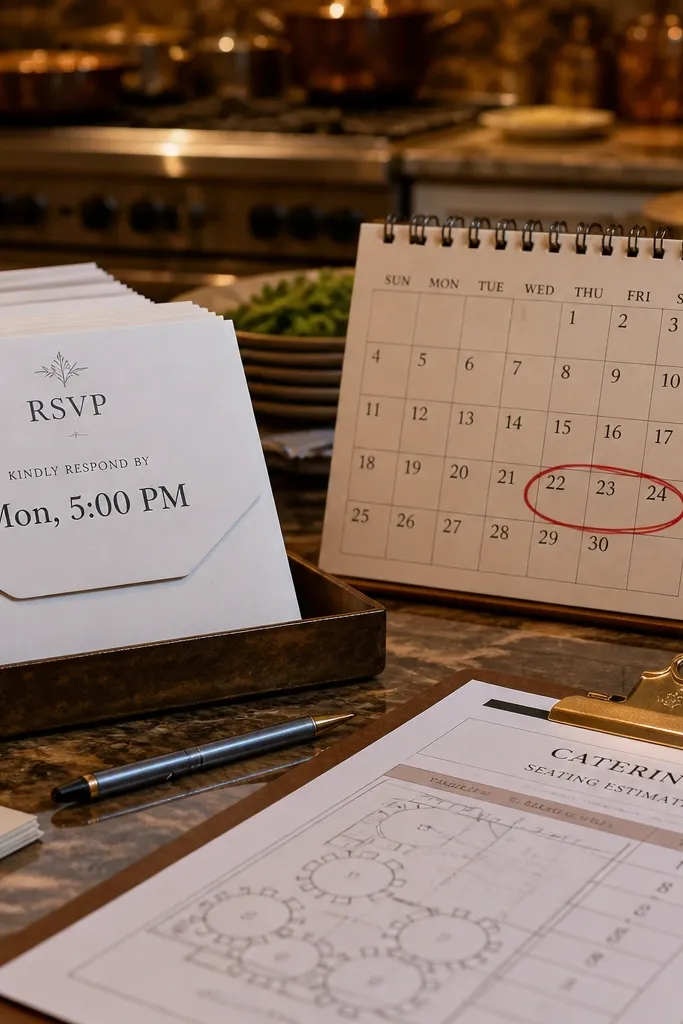
If your RSVP deadline is after the wedding weekend, you’re asking guests to do something you already needed from them. Caterers, rentals, and seating cards depend on headcount before the event. Guests also interpret late RSVP deadlines as permission to respond late, which creates chaos for the week you’re already stressed. Your invitation wording should set the deadline before the weekend so the planning can actually happen.
Start by setting your RSVP deadline 10-14 days before the wedding date for a local weekend wedding. For a travel weekend, move it to 18-21 days before the date so guests have time to book. Then write the deadline clearly as a date line like “RSVP by Friday, May 24” and include the method right next to it (email or website). Finally, make sure your template doesn’t hide the deadline in tiny text that people miss on mobile.
If you need extra time for late RSVPs, use a second line: “Final headcount due Monday, May 27.” Guests don’t need to RSVP after the deadline.
Skip “RSVP by two weeks before” phrasing that floats relative to the wedding date if your template date gets edited later.
4. RSVP method unclear or missing
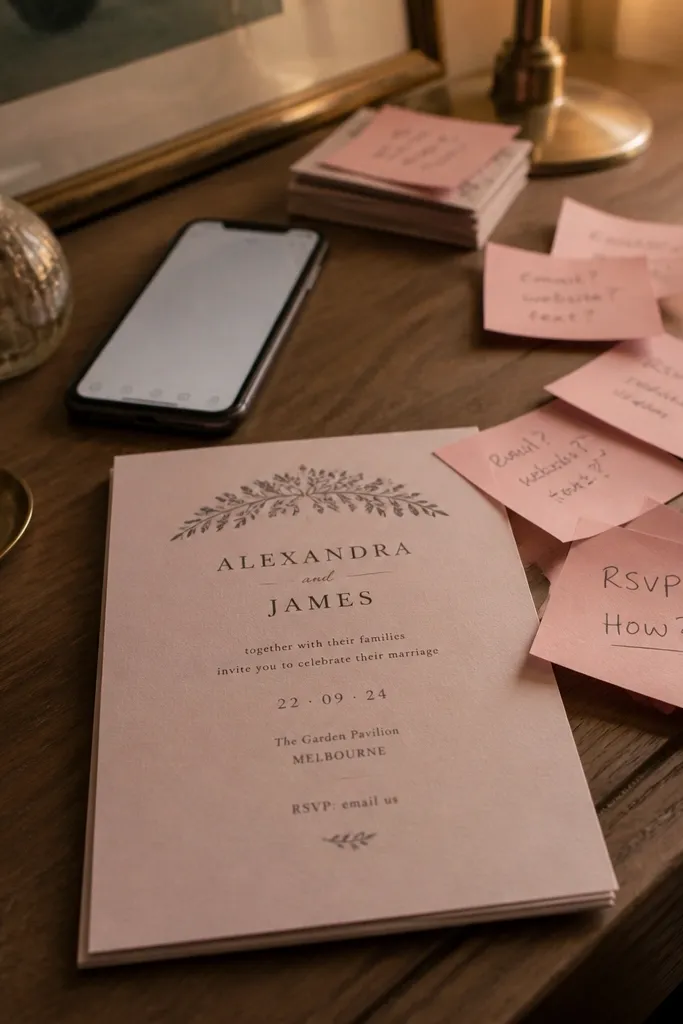
A weekend wedding invitation without a clear RSVP method forces guests to hunt. They’ll either guess your email, message someone else, or show up without confirming — none of which helps your headcount. When you’re aiming for smooth weekend planning, the RSVP line needs to be complete and repeatable. Your template should tell guests exactly how to respond and what to include.
Start by using one primary RSVP method on the main invite: a website link or an email address. If it’s email, include “RSVP to [email]” and specify “Include your name and the number of guests.” If it’s a website, label it “RSVP at [URL]” and keep the URL readable. Then add the RSVP deadline next to the method. Finally, confirm your details card doesn’t contradict the RSVP instructions from the main invitation.
If you use a website, keep the URL short enough to read in one glance on a phone screen.
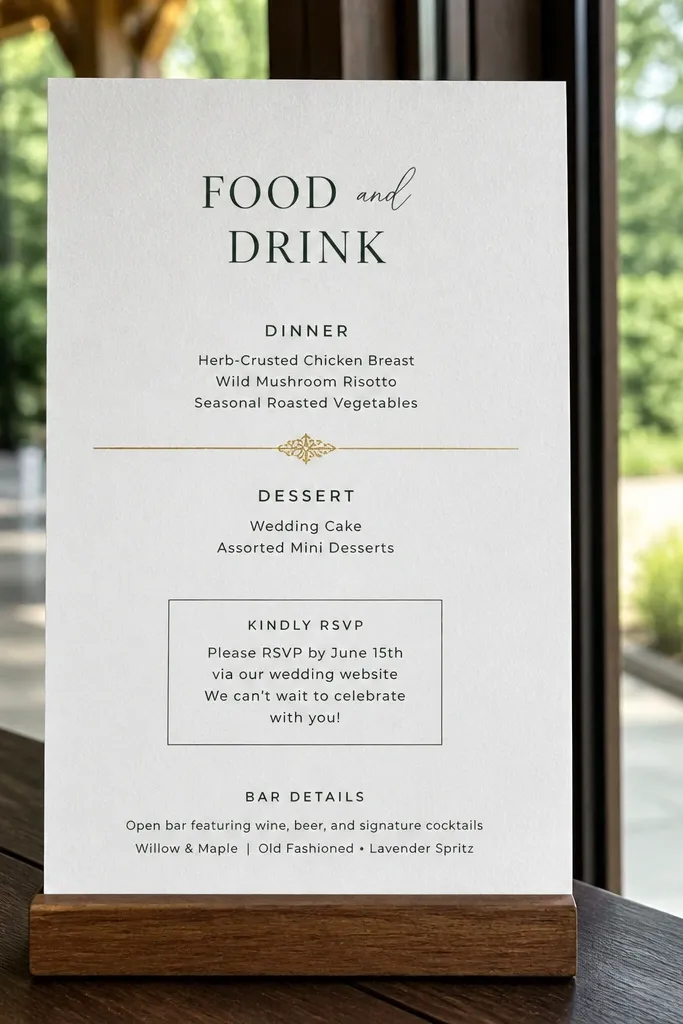
Avoid RSVP lines that say “Please respond soon” or “Kindly RSVP” without any deadline or method.
5. Reception start time missing from the main invite
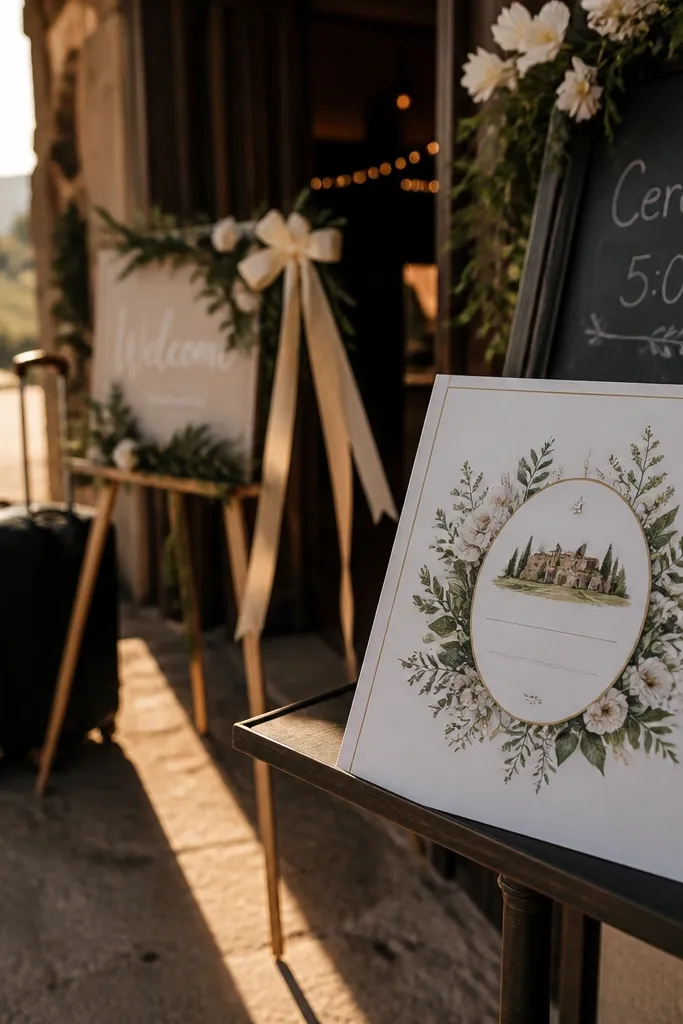
People plan arrivals based on whatever times are written down. If your main invitation only lists ceremony time, guests who want to attend the reception will arrive late and feel awkward. Weekend weddings often have guests who come for part of the day — and they need a clear reception start. Your wording should include both ceremony start and reception start somewhere visible on the main card or on a directly paired insert.
Start by writing two lines in the schedule section: “Ceremony begins at 4:30 PM” and “Reception begins at 6:15 PM.” If your template only has one line, use a condensed format: “Ceremony 4:30 PM, Reception 6:15 PM.” Then add the location names for each if they differ; if they’re the same venue, you can keep it shorter. Finally, keep the times in the same order across your invite and your details card so readers don’t re-interpret the schedule.
Quick tipIf you’re doing a cocktail hour, name it and time it on the insert so guests know where to be between ceremony and reception.
Skip thisSkip “Reception to follow” when your reception actually starts 45+ minutes after the ceremony.
6. Venue addresses too vague
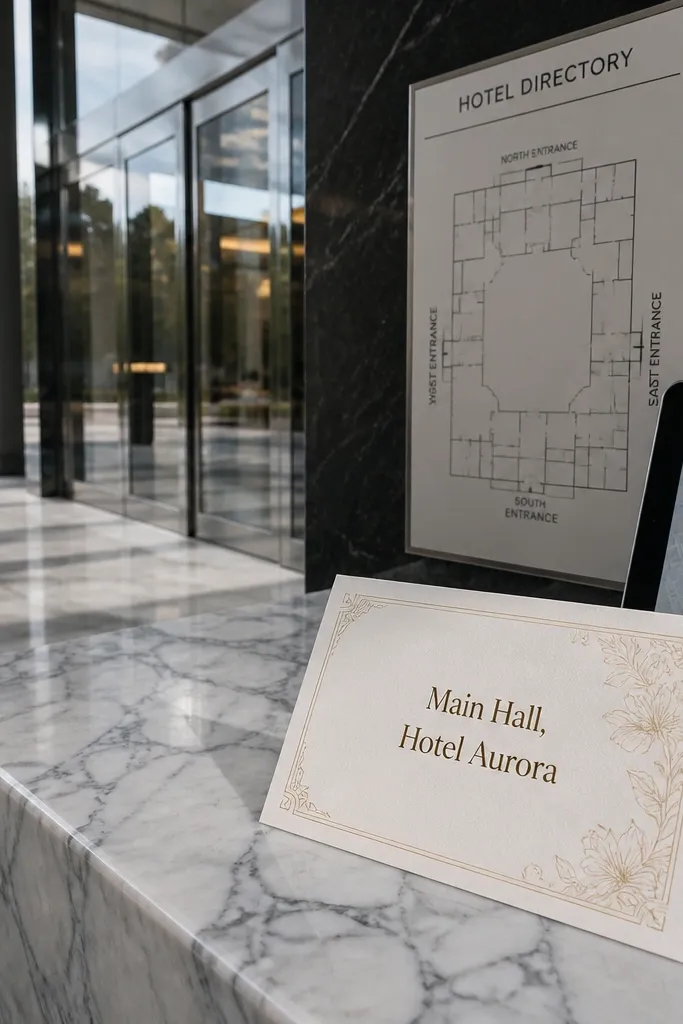
For weekend trips, “at the venue” isn’t a plan. Guests use their GPS, and GPS needs an address or at least a full city plus street. If your invitation wording only includes the venue name, you’re betting guests will look it up. That’s the mistake that leads to people arriving at the wrong entrance, the wrong building, or the wrong location entirely. Write the address in a clean, scannable format.
Start by including street address, city, and state on the invitation or the details insert. Use line breaks like “123 Maple Street” then “Springfield, IL 62704” so it reads fast. Then add the venue website or a short Google Maps link only if your template allows it cleanly. Finally, if you have multiple locations (ceremony and reception), label them clearly with “Ceremony location” and “Reception location.”
Quick tipIf you’re using a hotel block, include the hotel name and address too so guests can copy-paste it into ride-share apps.
Skip thisAvoid venue wording that relies on guests knowing where the venue is.
7. RSVP wording that doesn't limit party size

If your RSVP line doesn’t request a guest count, you’ll get messages like “Can I bring my partner?” or “How many can we invite?” after the deadline. That turns your headcount into an ongoing negotiation. Weekend weddings already have travel friction; you need RSVP wording that collects the info you need the first time. Ask for the number of guests explicitly and tie it to meal planning if you have it.
Start by adding a line under RSVP like “Please reply with the names of all guests attending.” If you do meals, add “Dietary restrictions are collected on the RSVP page.” Then keep it short enough to read on mobile. Finally, if you’re sending RSVP via email, specify a simple format: “Subject: RSVP — [Last Name].”
Use one sentence for party size — don’t split it between the main invite and a distant insert where it gets missed.
Skip “RSVP with pleasure” or “Let us know if you can make it” without asking how many people.
8. Plus-one rules hidden or contradictory
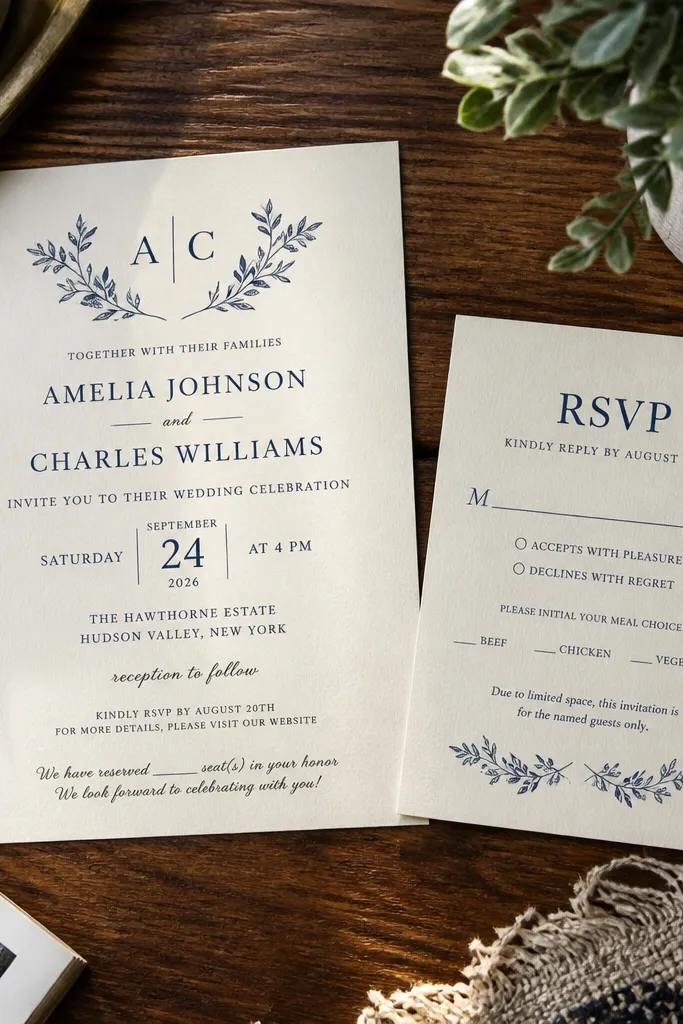
Plus-one wording is where weekend weddings get messy fast. Guests invite themselves if the invitation implies flexibility, and then your seating plan falls apart. If you’re limiting plus-ones, say it plainly. If you’re allowing them, specify how the RSVP handles it. This is one of the few invitation wording areas where vague politeness causes real operational damage.
Start by writing your plus-one policy right next to the RSVP instructions, not buried in a long paragraph. If you’re limiting, use a clear line like “Each guest is invited by name. Please RSVP for the invited party only.” If you’re allowing plus-ones only under certain conditions, spell that out simply in one sentence. Then align your RSVP form questions with the invitation wording so guests don’t get mixed signals. Finally, double-check your template doesn’t include an old “plus one welcome” sentence from a previous draft.
Quick tipIf you’re using a website RSVP, label the question “Invited guests only” and keep it consistent with the invite language.
Skip thisAvoid vague phrases like "
9. Dress code words that guests misread
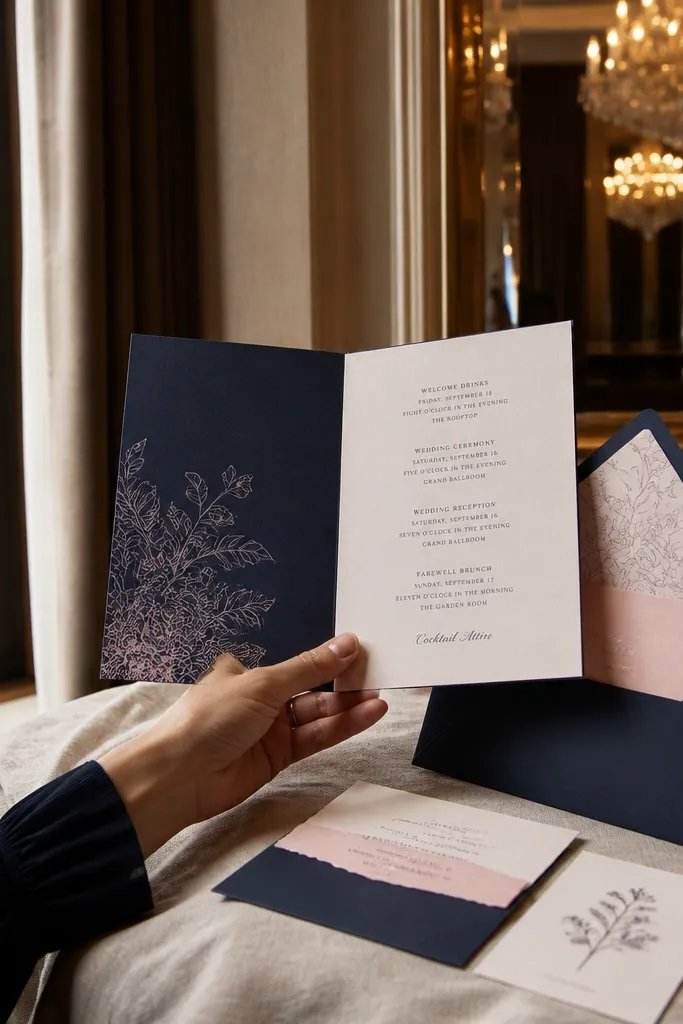
Dress code language that’s too broad creates surprises on a Saturday. “Dressy” can mean cocktail at one venue and tux at another. “Formal” can read as black tie even when you didn’t plan it. Your wording should match the level you truly want and the venue feel. If you want guests to show up comfortable but polished, pick one term and define it with a short example.
Start by choosing one dress code label that matches your plan: “Black tie optional” or “Cocktail attire” or “Semi-formal.” Then add a clarifier in plain language right after it, like “Suit or cocktail dress” for cocktail attire. If you have a garden or beach element, mention it using wording like “Dress for outdoor ceremony” in the details insert. Finally, keep dress code in one place so guests don’t mix it with any outdated insert text.
If the ceremony is outdoors, add “Comfortable shoes for grass” to reduce blisters and frantic last-minute shopping.
Skip multiple dress code terms on the same invite (example: “formal” plus “beach casual”).
10. Registry line without a planning-friendly alternative
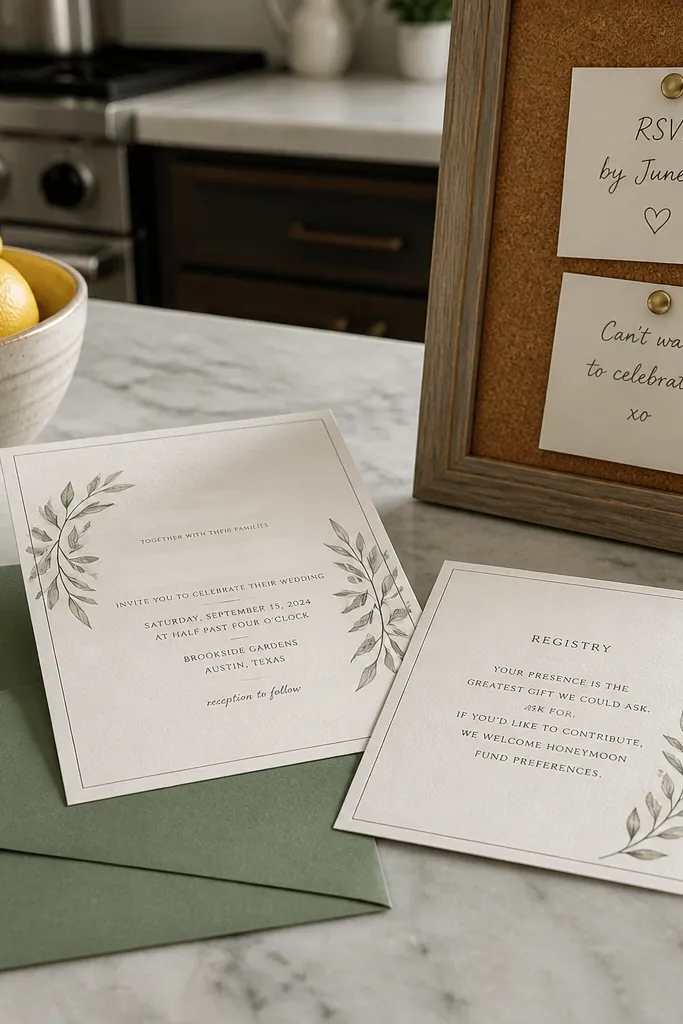
Registry wording that feels pushy can sour the tone, and weekend guests notice that fast. At the same time, removing registry info entirely can lead people to ask around — which creates extra work for your families. The fix is to keep the wording neutral and include a clear “preference” line if you want to guide people toward what helps you. For travel-heavy weekends, it also helps to mention group experiences or honeymoon fund only if that’s truly what you want.
Start by using a short line that matches your intention, like “Gifts are optional. Your presence is the best present.” If you include registry details, add it in the details card, not across the top of the main invitation. Then keep the registry link to one destination and label it clearly “Registry: [URL].” Finally, make sure your RSVP timing doesn’t imply that gift decisions are due by the weekend — keep gifts separate from headcount.
Quick tipPut registry info on the insert so guests who don’t want it can ignore it without feeling like they missed something.
Skip thisAvoid making registry the first thing people read on a weekend invitation.
11. Guest arrival instructions that ignore parking and check-in
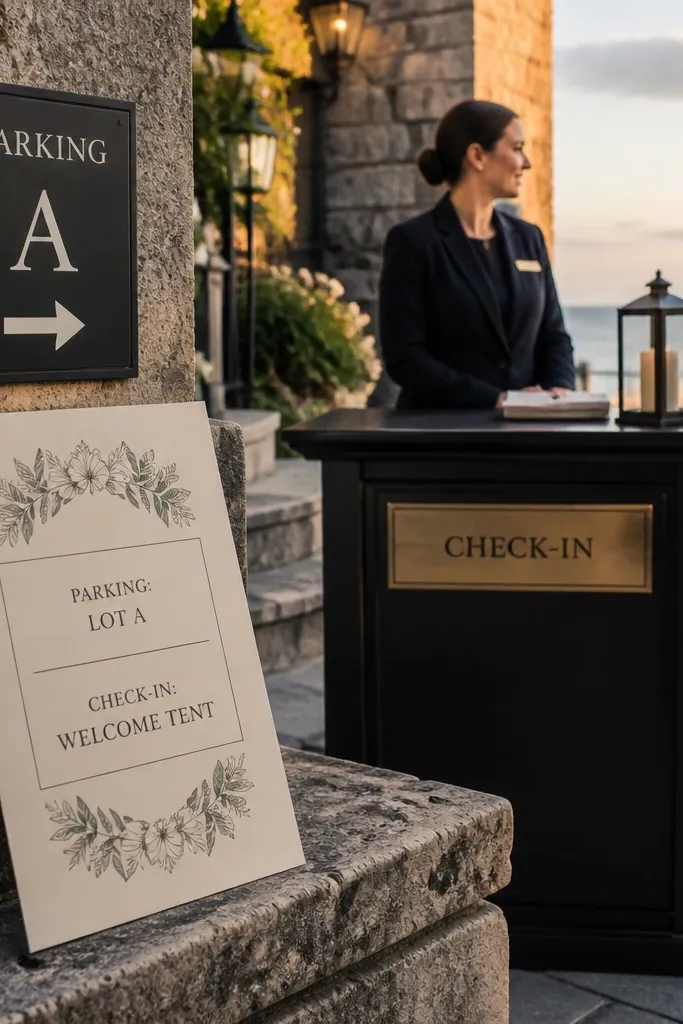
If your wording doesn’t tell guests what to do when they arrive, they’ll do it themselves — and that slows everything down. Weekend weddings are already busy for venues, and guests show up right at the ceremony start because they’re trying to be polite. Add simple instructions so they know where to park, where to check in, and what entrance to use. The invite wording should reduce confusion, not just announce the event.
Start by adding a short check-in line in the details insert like “Check in at the welcome table upon arrival.” Then include parking wording: “Parking is available in the lot off [Street Name]” or “Valet available at the main entrance.” If you have a shuttle, write the pickup point and time window. Finally, keep these instructions near the schedule so guests don’t miss them after reading the date and times.
If your venue has multiple entrances, name the one guests should use and include a landmark like “near the fountain.”
Skip “Parking available” with no location — it doesn’t help anyone who’s not already familiar.
12. Time zone confusion for out-of-town weekends
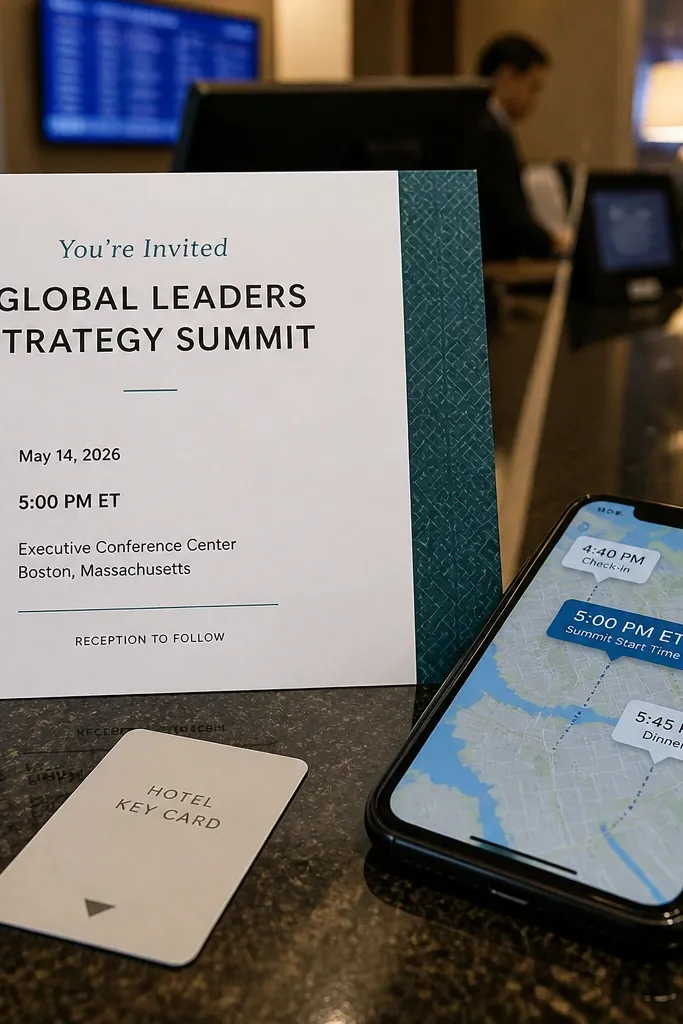
If guests are traveling across time zones, invitation times without a time zone create a real risk. People convert incorrectly when they’re tired, and the weekend schedule gets off by an hour. This is especially common when couples use digital templates and forget to add the time zone when they update dates. For a weekend wedding with travelers, write the time zone right in the time line.
Start by adding a time zone label next to the time, like “4:30 PM (Eastern)” or “4:30 PM PT.” Then apply it consistently to ceremony and reception times so no one has to guess which one needs conversion. If you have an online RSVP page, mirror the same time zone there. Finally, if you’re sending travel guidance, include airport and shuttle times in the same time zone language so nothing conflicts.
Quick tipUse the abbreviation people recognize on their phone (ET, CT, MT, PT) instead of city-only time references when you can.
Skip thisAvoid listing times only as “4:30 PM” when you have guests likely coming from a different time zone.
13. Confusing ceremony vs. reception location wording
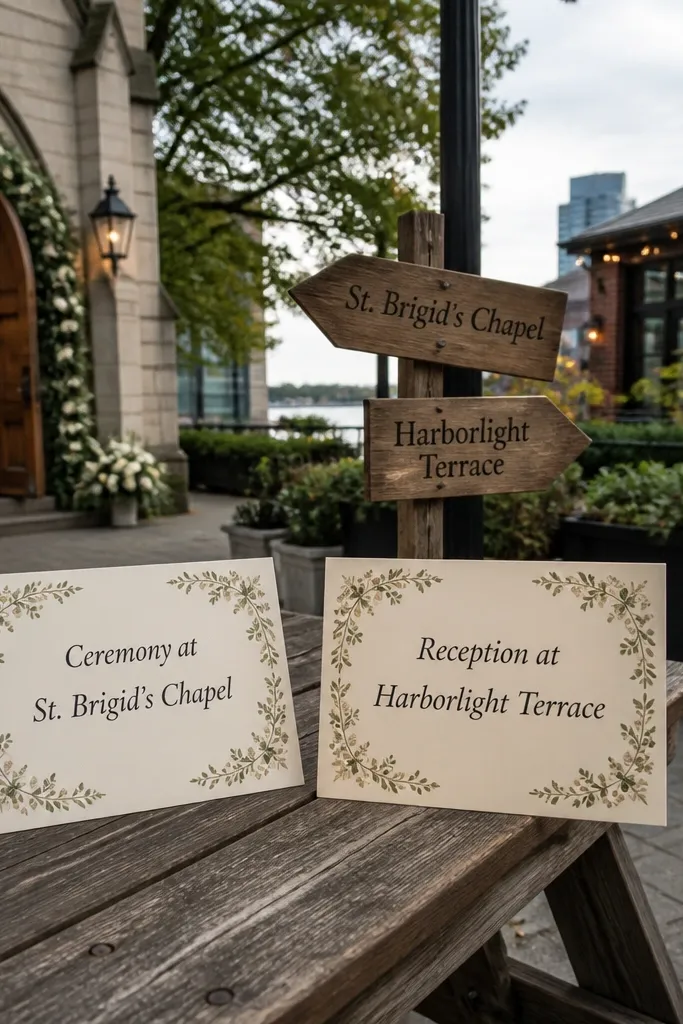
When ceremony and reception are at different places, wording has to separate them with labels. If the invitation says “Join us at [venue name]” and then later mentions a reception location without a clear label, guests will arrive at the wrong site and wait. For weekend weddings, that mistake is brutal because traffic and parking are different at each location. Your template should label each location and keep the schedule paired with the correct venue.
Start by creating two mini lines in your schedule section: “Ceremony at [Venue Name], [Address]” and “Reception at [Venue Name], [Address].” Then repeat the addresses in the details insert so guests can read them while they’re driving. Finally, if there’s a gap between ceremony and reception, add a line about what guests should do during the transition (cocktail hour at reception location, shuttle timing, or directions).
If you have transportation, write the pickup point and the exact departure time, not “later.”
Skip “ceremony and reception at the same location” wording if you actually changed the reception venue.
14. RSVP card or email wording that ignores accessibility
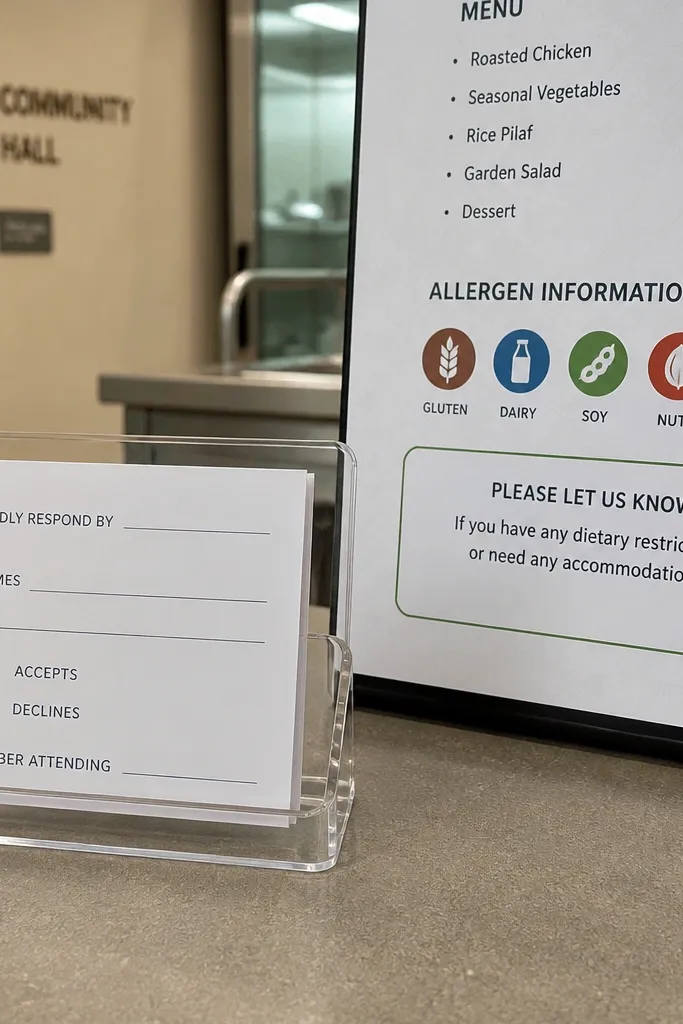
Guests with dietary needs, accessibility requirements, or language barriers need a place to ask. If you don’t include a line for it, you’ll get late emails after the RSVP deadline. For weekend weddings where families coordinate meals, missing that line creates last-minute scrambling. The wording fix is short: tell guests where to list dietary restrictions and accessibility needs, and make it part of the RSVP instructions.
Start by adding a single instruction line under RSVP: “Dietary restrictions can be submitted on the RSVP form.” If you’re doing email RSVPs, say “Email dietary needs with your RSVP.” Then add an accessibility line if your venue requires it, like “Let us know if you need mobility accommodations.” Finally, make sure your RSVP page or email workflow actually collects that info so guests don’t waste time writing it to the wrong place.
Quick tipPut accessibility and dietary notes in the same place guests already look for RSVP details, not hidden in a separate section.
Skip thisAvoid leaving dietary and accessibility requests out entirely when you have any meal service planned.